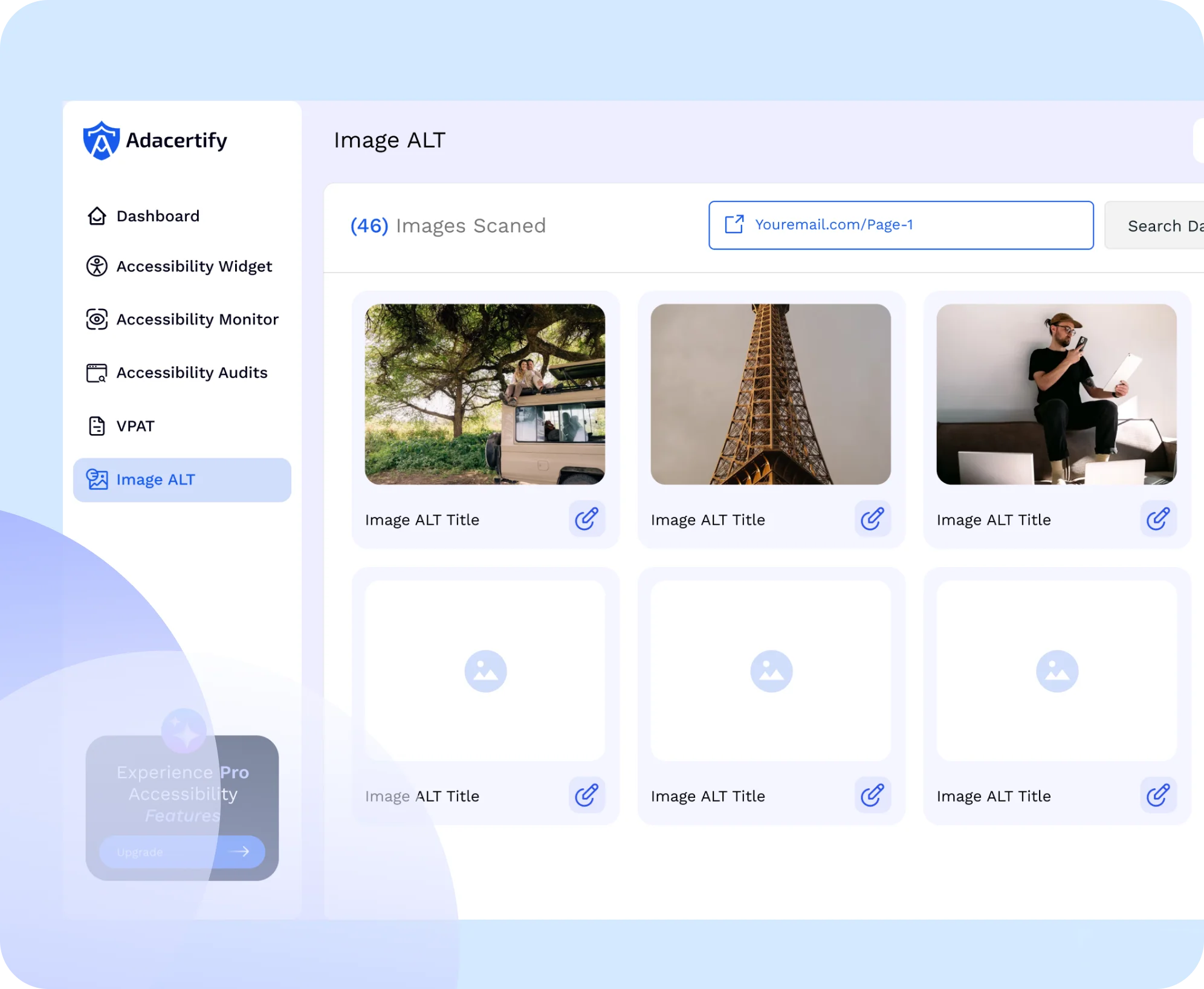
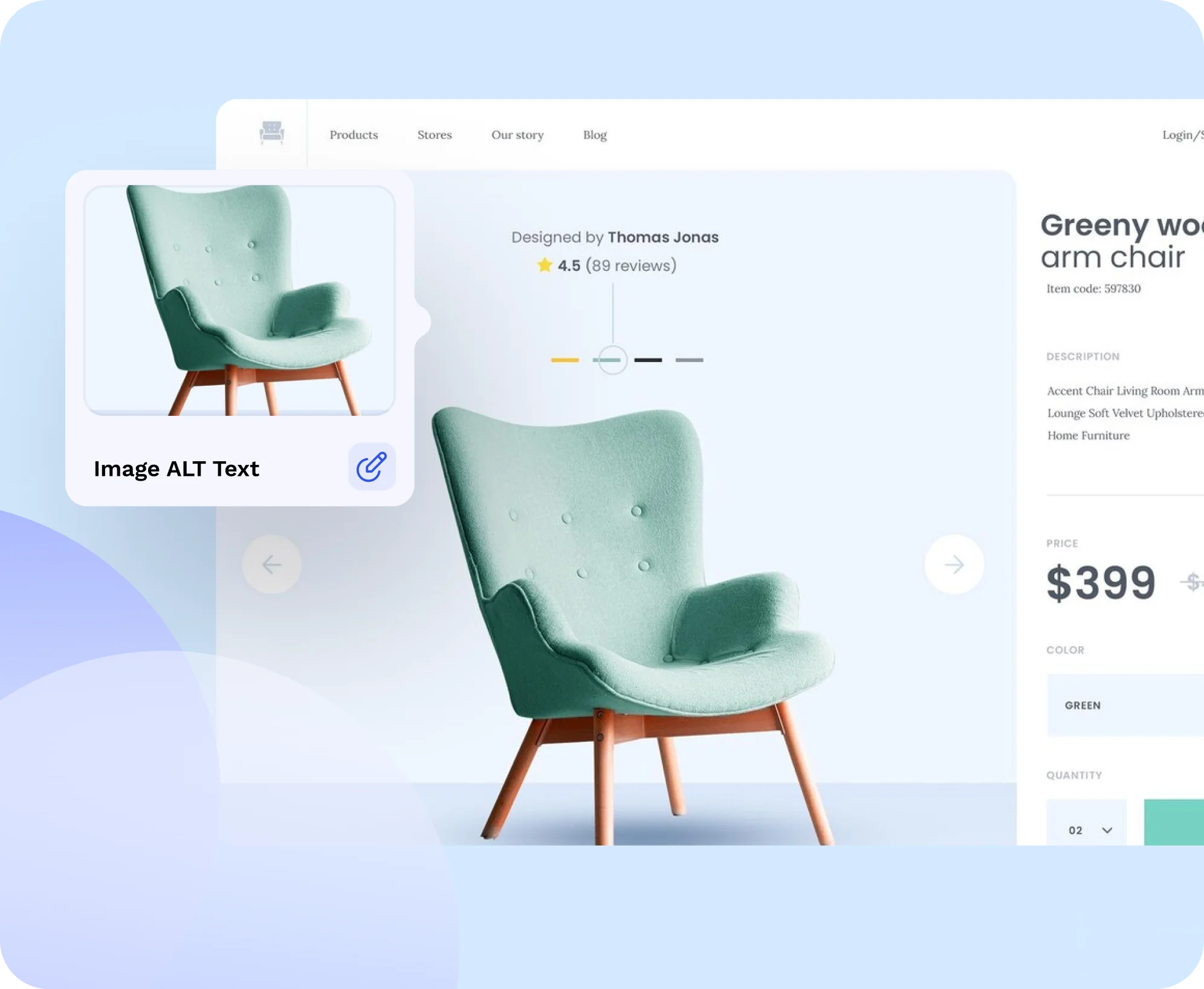
Auto-generate meaningful alternative text for thousands of images with a single click—saving your team hours of manual tagging. Perfect for ecommerce, media-heavy sites, and content-rich platforms.
Supports Bulk Uploads
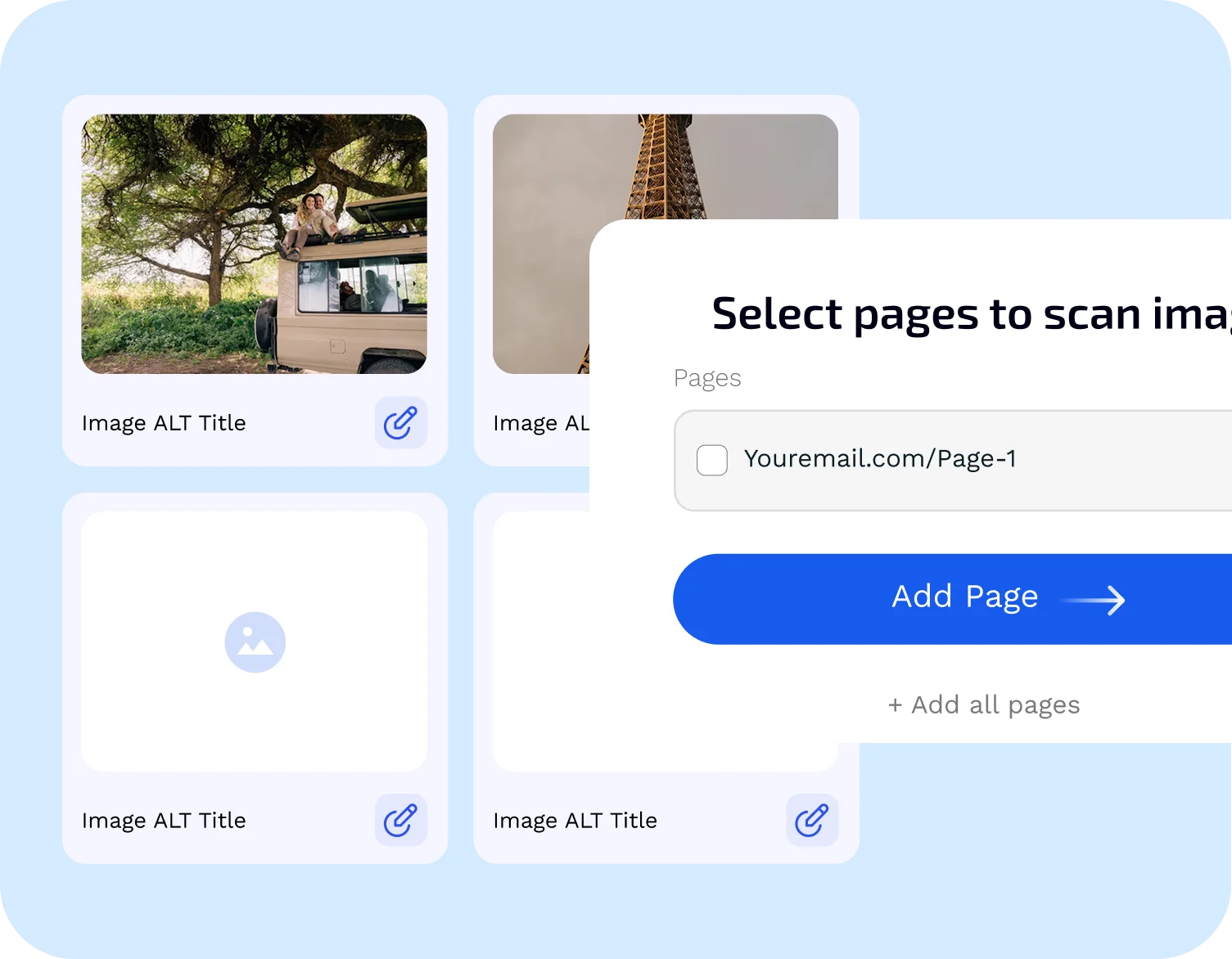
Scan and tag entire media libraries at once—whether you have 50 images or 5,000. Upload, process, and apply alt text at scale.
WCAG-Compliant Outputs
Descriptions are aligned with WCAG 2.1 success criteria, helping you meet legal compliance standards.
Improves SEO
Descriptive image alt text isn’t just an accessibility win—it also improves image indexing and search engine visibility.
Screen Reader Friendly
Ensure blind and low-vision users can fully understand your visual content. The tool generates context-aware descriptions that work seamlessly with all major screen readers.
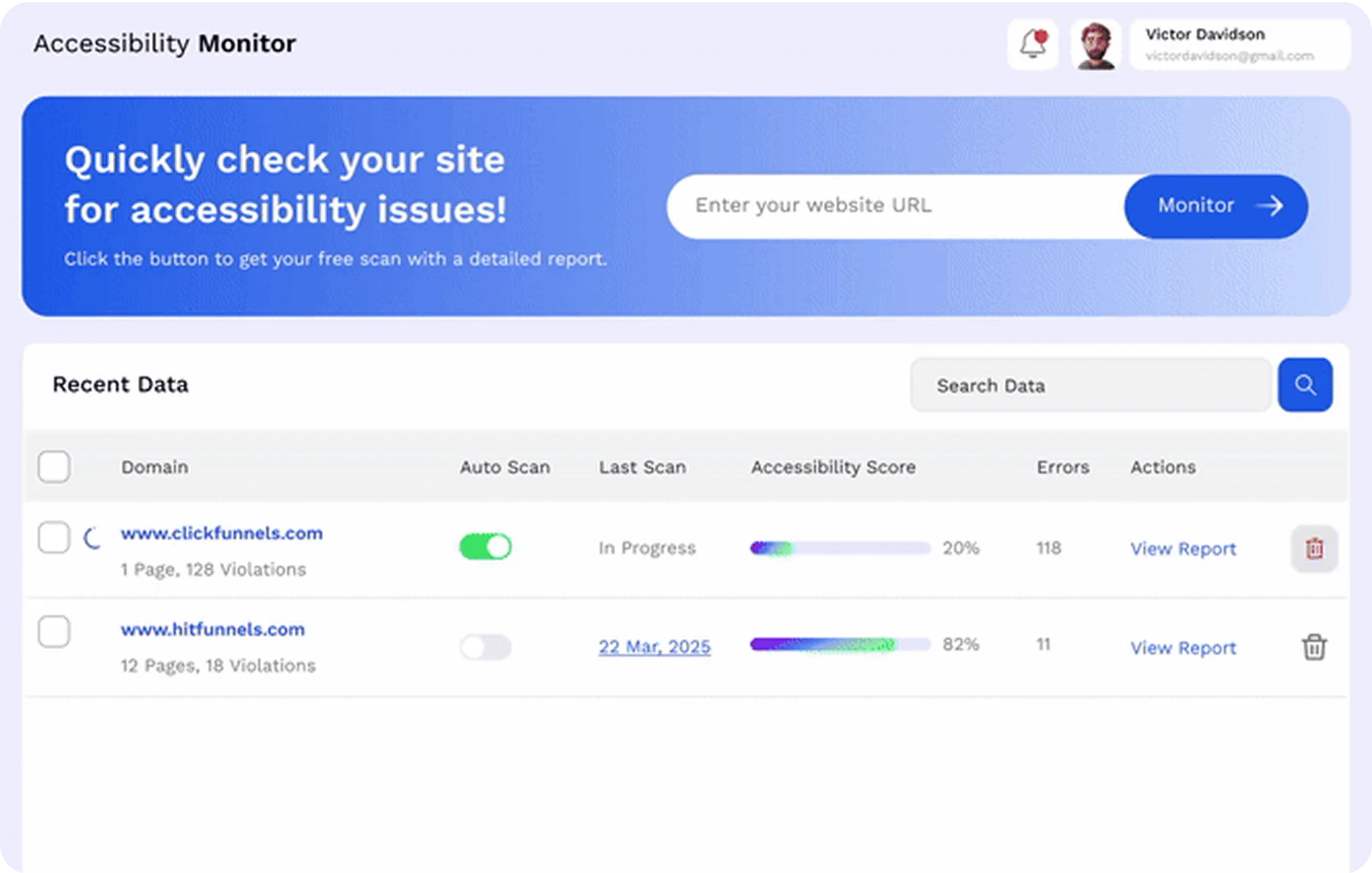
Get a Free Website Accessibility Audit
See how compliant your site is—right now.
Insert your URL below to get a detailed scan
Our tool uses AI and machine learning to analyze your image files and generate relevant, descriptive alt text. It understands visual content and creates summaries that are useful for both accessibility and search engines.
What types of images does it support?
It supports JPEG, PNG, WebP, and most other common web image formats. Whether you’re running a product catalog, photo gallery, or content blog—it scales with your needs.
Can I edit the generated alt text?
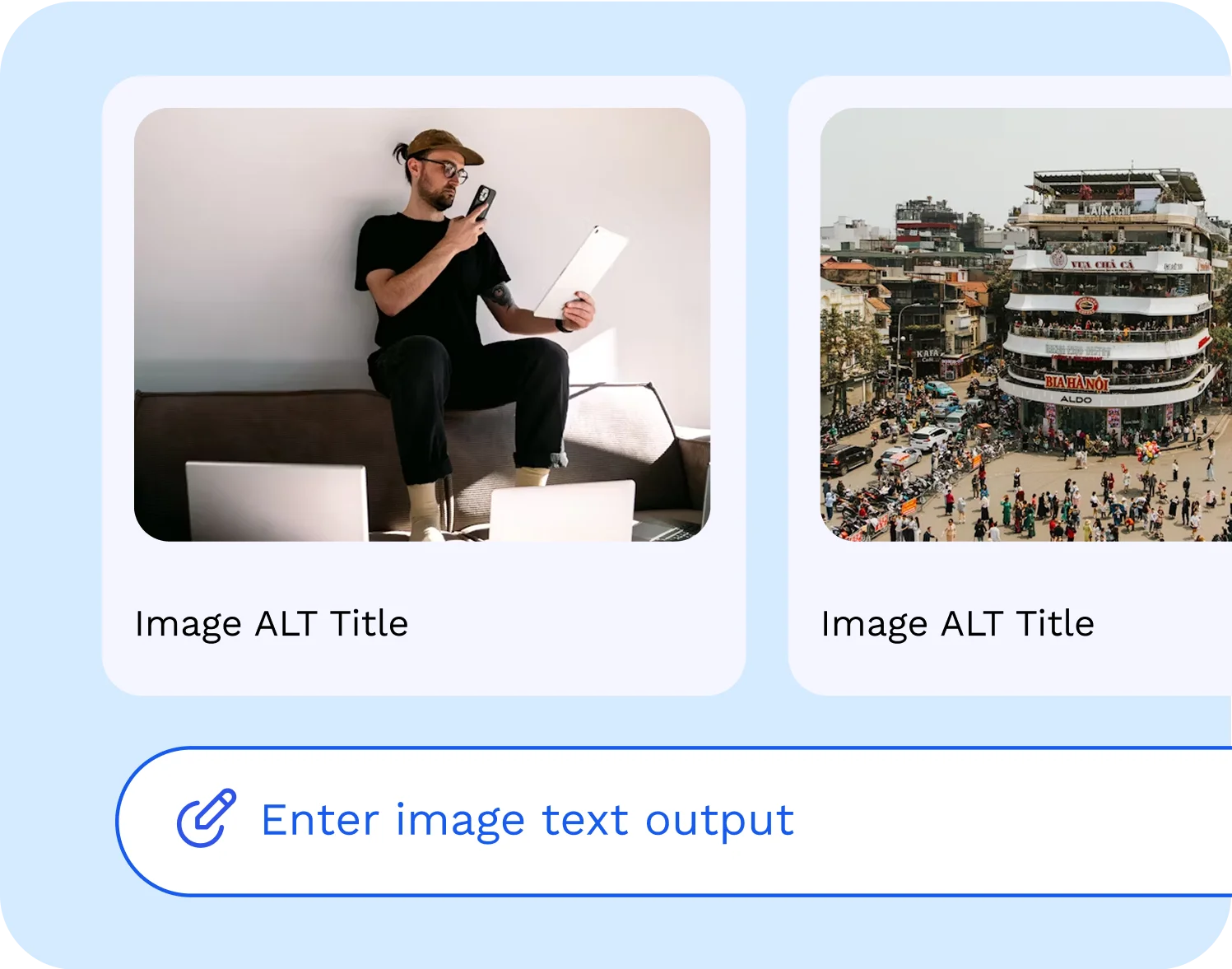
Yes. You have full control to review, edit, and approve any AI-generated descriptions before publishing. You can also set rules or templates for specific image types (e.g., product photos).
How does this help with compliance?
Missing or vague alt text is a top WCAG violation. Our tool helps eliminate that risk by auto-generating accurate, context-sensitive descriptions—ensuring your site meets WCAG 2.1, Section 508, and other global standards.
Will this improve my SEO?
Absolutely. Well-crafted alt text enhances image indexing, contributes to semantic relevance, and improves discoverability in Google Image Search—boosting your organic reach.
Do I need technical skills to use it?
Not at all. The interface is designed for non-technical users. Simply upload or scan your site, review suggestions, and apply them with a click. It also integrates easily with your CMS or image library.
Fix Missing Alt Text in Seconds
Instantly scan your site for images without alt tags and add them with ease